Deconstructed Image Matlab: An Artistic Approach (part II)
Deconstructed
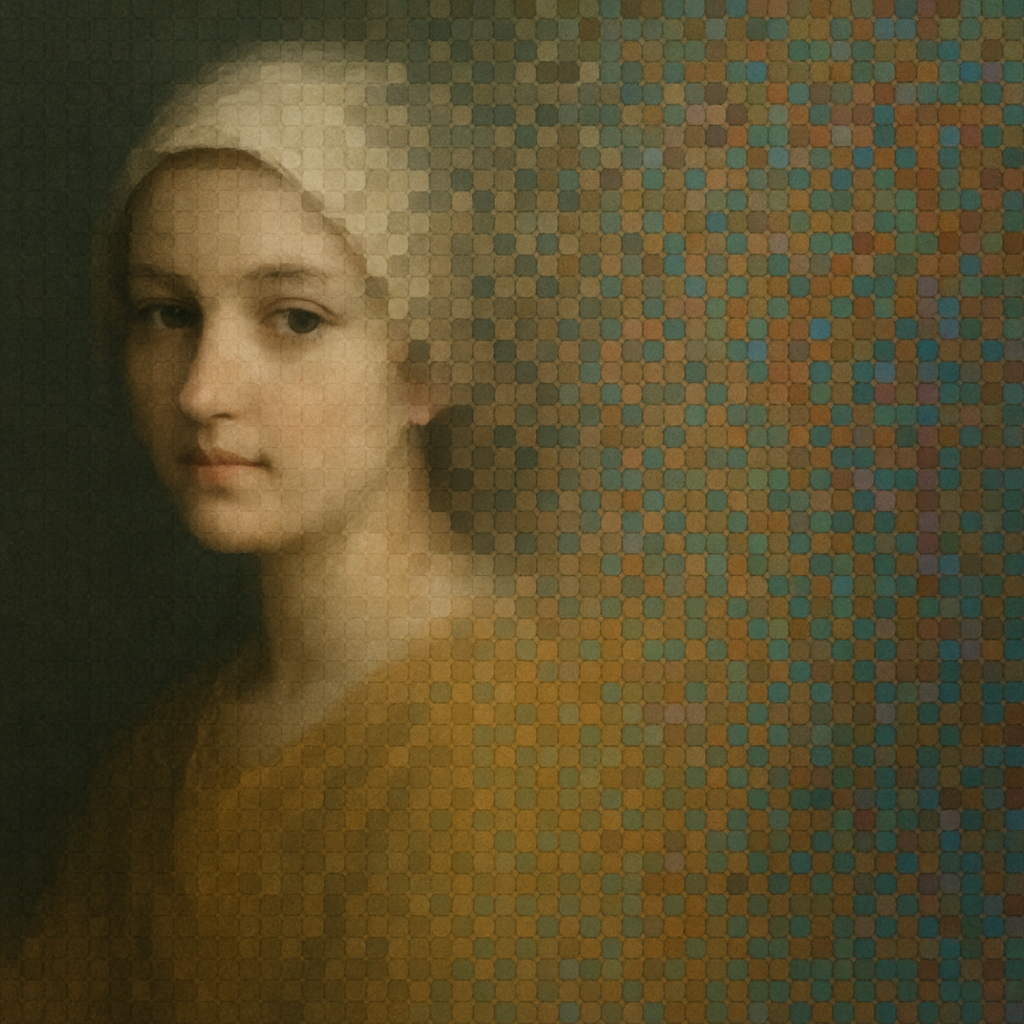
Introduction
During this social network times plagued with political content and click-bait, let’s try to discuss technical topics. As mentioned in my last week post (that you can check here) Matlab from MathWorks was my first option developing the algorithms for my deconstructed image artistic project. I have been working with Matlab for more than 20 years and managed to identify some clear strengths and weaknesses. In these 20 years Python and Numpyhave become a real contender in many domains for a zero price tag. For the audience retention this maybe detrimental but let me start with the conclusion and later on develop the topics.
Matlab strengths and weaknesses
On the one hand Matlab excels at:
- Debugging and visualizing 2D and 3D data processing.
- Creating easily GUI apps extremely functional and modern looking.
On the other one Matlab weaknesses are:
- Expensive. For personal use the licenses are somwhat more affordable.
- Deploying apps implies installing a bloated runtime library
Developing deconstructed image implies creating an optimized way to store the data and a fast way to process it. An image is the main input data (ie a 3D array or tensor) and the two typical outputs will be another image and a video.
The simulated annealing algorithm that governs the optimization efficiently accesses two random pixels of the image and its 8 closest neighbours. Then it needs to calculate an Energy for both pixels, i.e. the sum of the color differences (by deltaE or a similar color metric) before and after swapping them. This implies, roughly, read 54 memory positions, 204 add operations, 96 multiplications and 32 square roots. If the swap is accepted 6 memory positions will be written.
Caches
With all these operations it was an obvious design choice then storing the energy per pixel calculation, like an energy cache. Matlab is a very matrix/vector/tensor oriented language so it becomes very efficient when operating on matrices and worse when operating with for loops. Writing operations as matrices makes the code very compact and elegant. It takes a bit of time to think in “matrix terms” but for people experienced in Fortran or Numpy, it should be easier. I created all sorts of auxiliary arrays to store image neighbour linear locations and energy connectors. The core of the algorithm was packed in a few tenths of lines. I had maximized data vectorization with up to 3 nested matrices, but my memory bandwidth was exploding (and I did not know).
Another strength of Matlab is the wonderful documentation and collection of built-in subroutines (marketed as Toolboxes). Matlab actively supports tasks like reading images, writing video, and converting color spaces in this way. The development environment allows you to stop the code at any time. You can alter the data values, visualize tensors (as a table or graph) or integrate it with a “Visual” GUI app.
Performance wall
The more vectorized the code became, the slower the performance became, hitting like 1 us per iteration. This disappointing results, as well as the very poor portability, pushed me to move away from an interpreted language development and get into the next chapter: Mojo from Modular. That will be the next chapter.
#GenerativeArt #AlgorithmDevelopment #MATLAB #Innovation #ImageProcessing